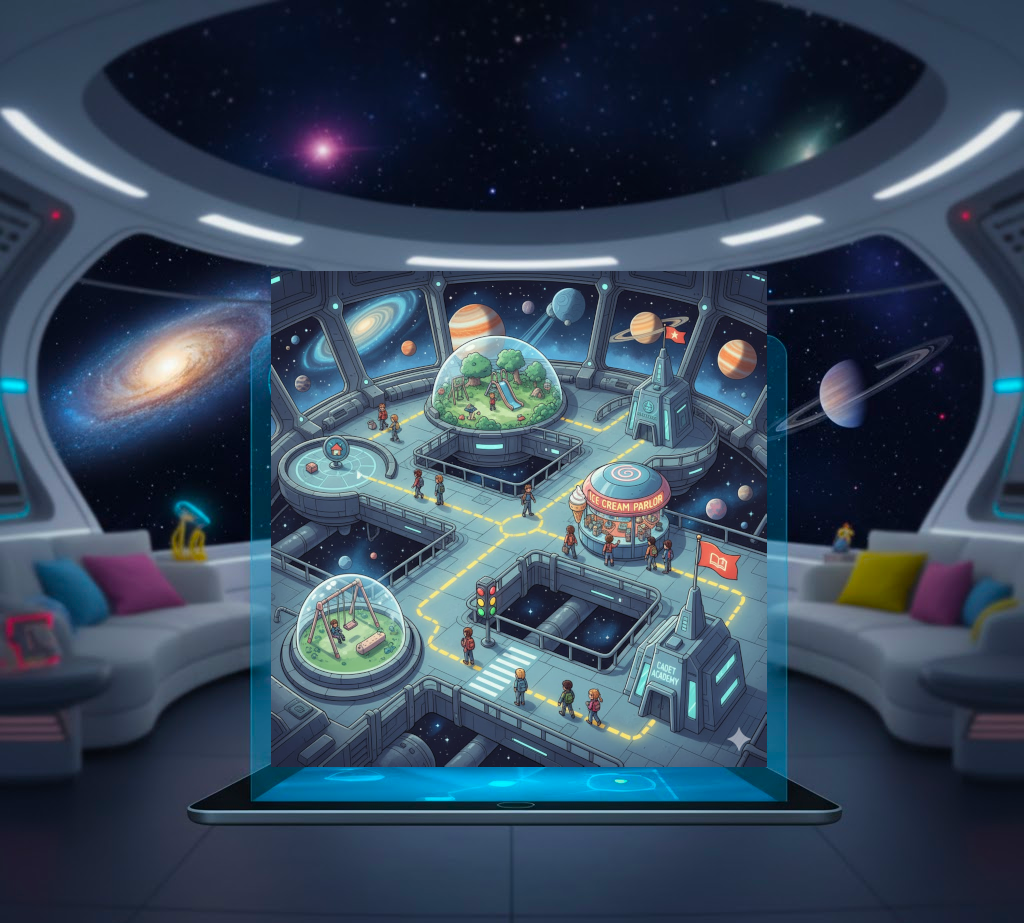
Hello young ones, we are Masters Luciano and Chiara, your space instructors! We are here to guide you on an extraordinary adventure into the world of coding, where we will learn to give computers instructions to create games, animations, and space missions!
Message from Master Chiara: "Remember, in space as in programming, every great journey begins with a small step. Together we will explore galaxies of knowledge!"
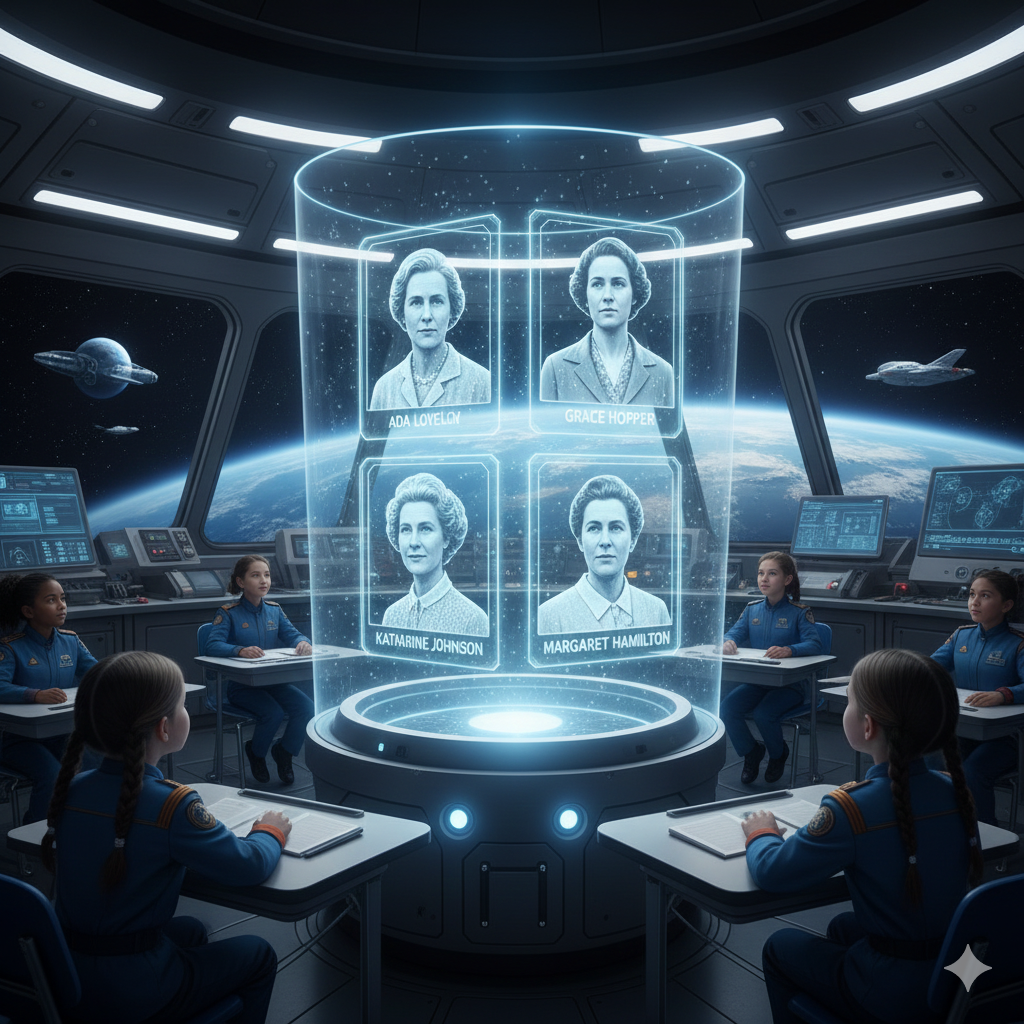
Did you know? Coding is for everyone! Ada Lovelace, a brilliant mathematician, is considered the first programmer in history. Today, women like Katie Bouman, who helped photograph a black hole, continue to make incredible discoveries in the world of technology!
On our mission we will explore:
What algorithms are Mission 1.
How computers work Mission 2.
Block coding Mission 3.
Basic programming principles Mission 4.
How to create projects with Scratch Mission 5.
1. Which of these is a sequence of algorithms?
A. Brushing teeth: take toothbrush, put toothpaste, brush, rinse.
B. Playing soccer: run, jump, sing, swim.
C. Reading a book: open, close, open, close.
2. Who is considered the first programmer in history?
A. Charles Babbage.
B. Ada Lovelace.
C. Alan Turing.
Mission 1: What are Algorithms?
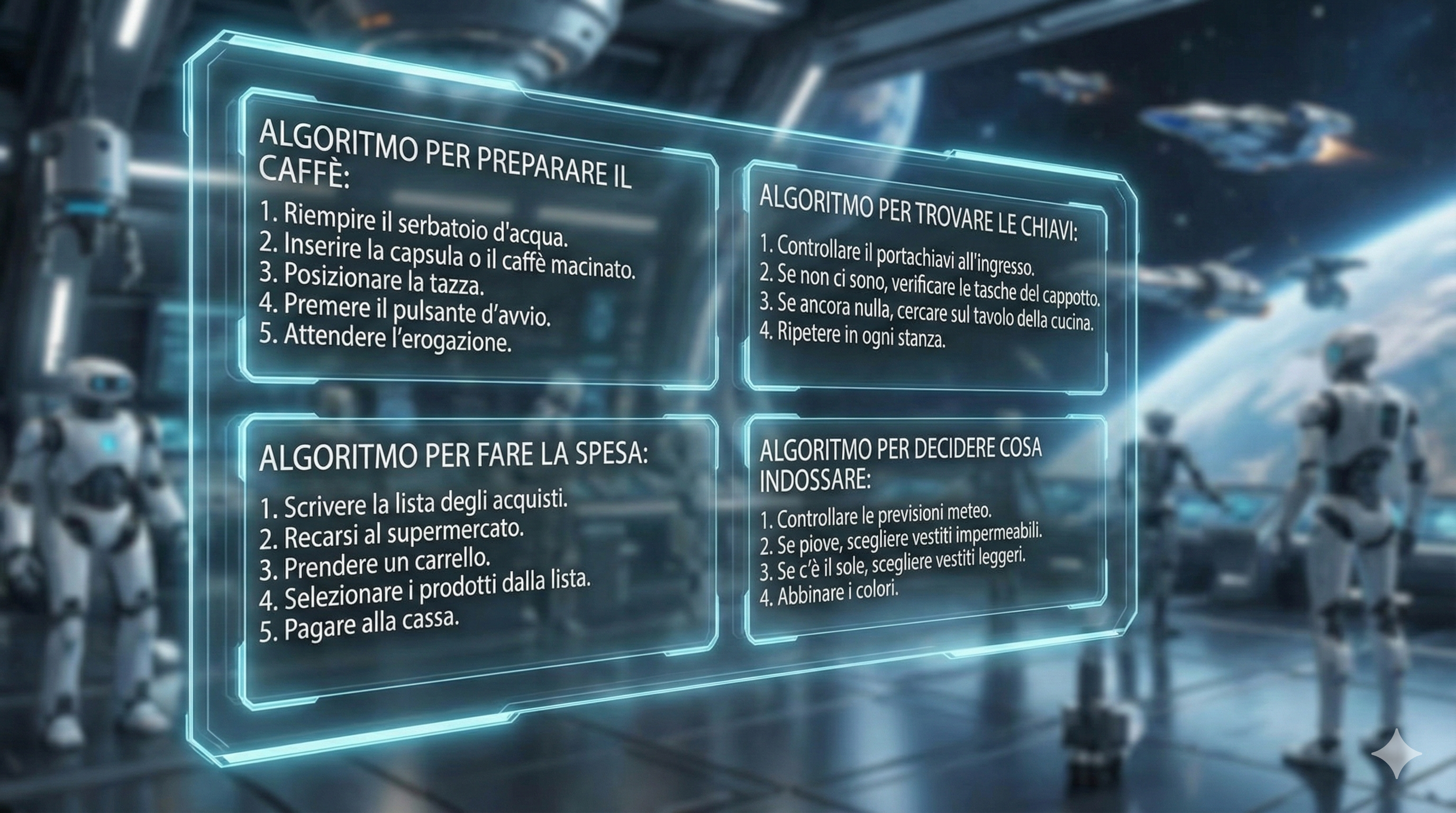
An algorithm is a series of ordered steps to solve a problem or complete a task. We use them every day without even realizing it!
Master Luciano says: "Think of an algorithm like the checklist I use before takeoff! Each step must be executed in the right order for a successful mission."
Real-life examples:
Making a cup of hot chocolate
1
2
3
4
5
Take a cup.
Add cocoa powder.
Pour hot milk.
Mix well.
Enjoy the hot chocolate.
When we make hot chocolate, we follow precise steps: take a cup, add cocoa, pour hot milk, mix, and finally enjoy!
Going to school
Even the route to get to school is an algorithm: wake up, get dressed, have breakfast, take your backpack, and follow the route to school.
1. Which of these sequences represents a correct algorithm for making a sandwich?
A. Cut bread, eat sandwich, put cheese.
B. Take bread, add ingredients, close sandwich.
C. Eat sandwich, prepare sandwich, buy bread.
2. Why is the order of steps important in an algorithm?
A. Because otherwise the computer gets angry.
B. Because it looks better aesthetically.
C. Because some steps depend on previous ones.
🔍
Learn More
Discover other algorithm examples.
📚
History
Meet the inventors of algorithms.
Mission 2: Algorithms in Computer Science
In computer science, an algorithm is a series of instructions we tell the computer to execute to solve a problem.
Master Chiara says: "Computers are like obedient astronauts: they follow exactly the instructions we give them. That's why we need to be very precise!"
Examples from the digital world:
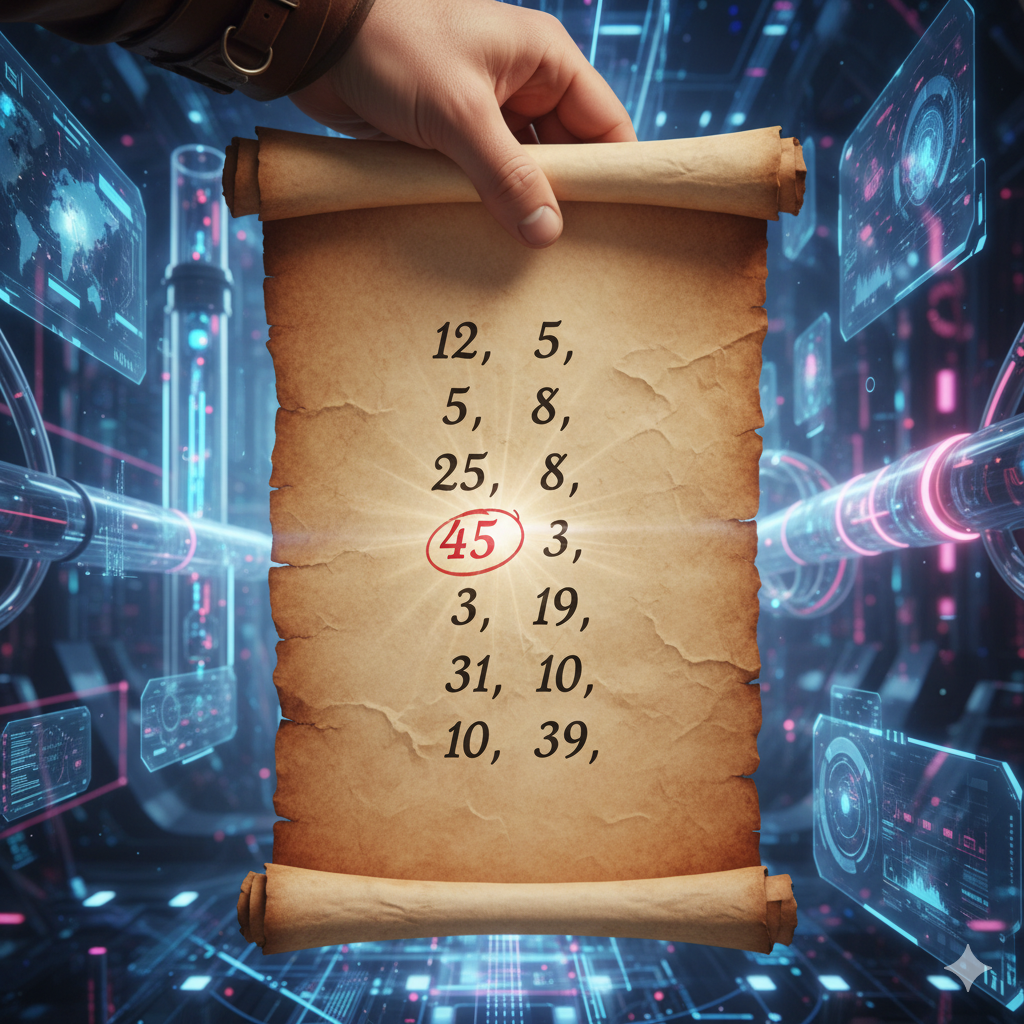
Finding the largest number in a list
Start
Take first number as "maximum"
For each number in the list:
If number is greater than "maximum"
Update "maximum" with this number
End
Sorting books by height
Imagine having to sort your books from smallest to largest. You would follow precise steps, just like a computer would!
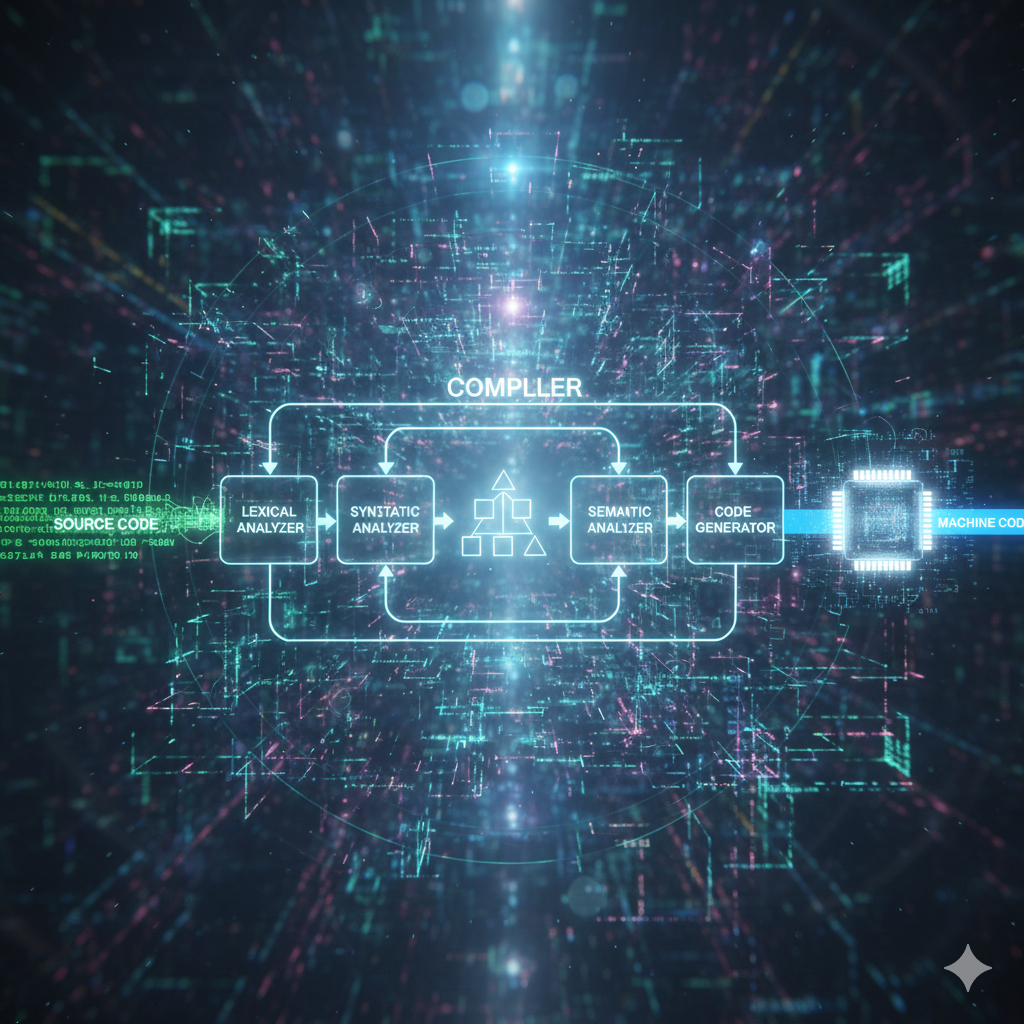
Did you know...Grace Hopper, a brilliant scientist, invented the first compiler, a program that translates human language into computer instructions? Her discoveries made programming as we know it today possible!
1. What does a sorting algorithm do?
A. Deletes unnecessary data.
B. Creates new random data.
C. Organizes data in a specific order.
2. Why must algorithms be precise when programming computers?
A. Because computers execute exactly what is said.
B. Because computers are slow.
C. Because computers get bored easily.
⚙️
Compiler
How a compiler works.
👩💻
Women in Tech
Other important women in technology.
Mission 3: How Computers Work
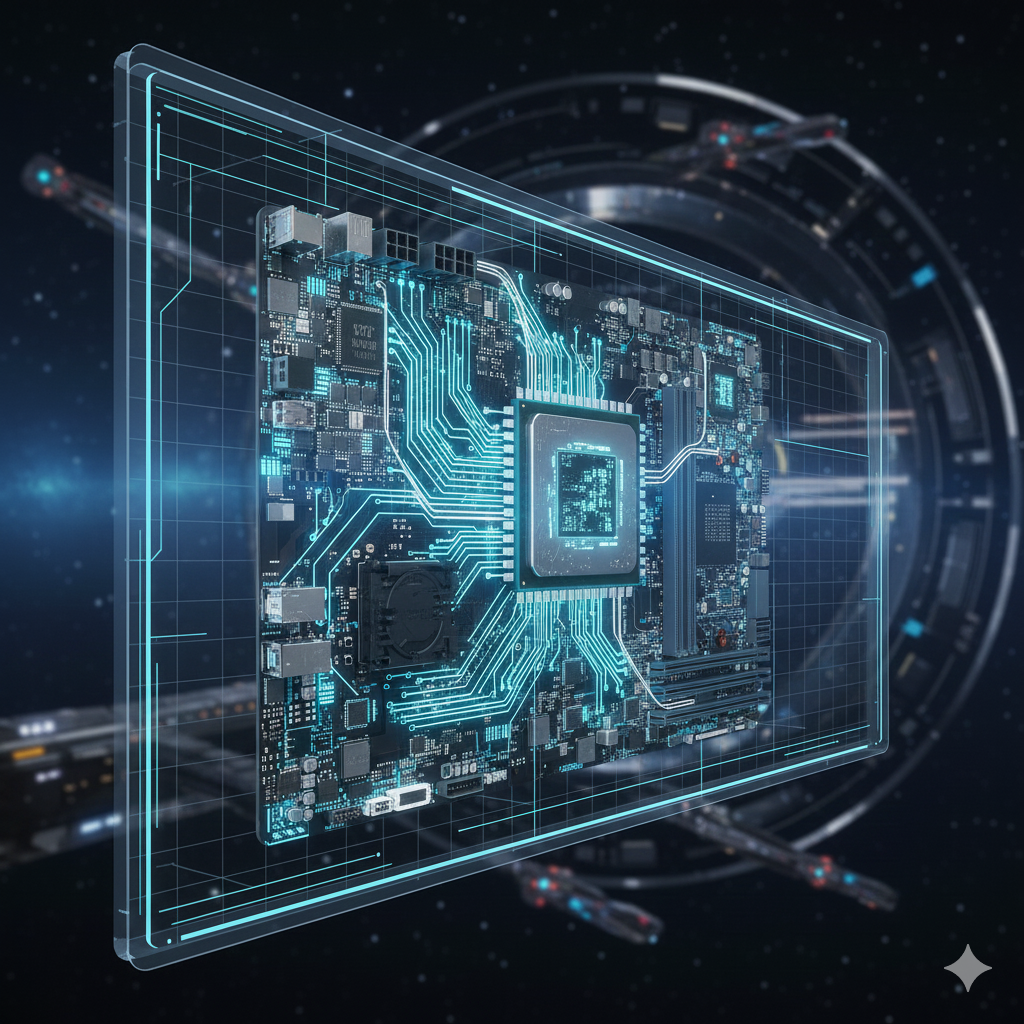
Computers are extraordinary machines that process information by following precise instructions.
Master Luciano says: "Think of the computer as our mission control center: it receives information, processes it, and produces results!"
Main components of a computer:
CPU - The brain of the computer
The CPU (Central Processing Unit) is the computer's brain that executes program instructions.
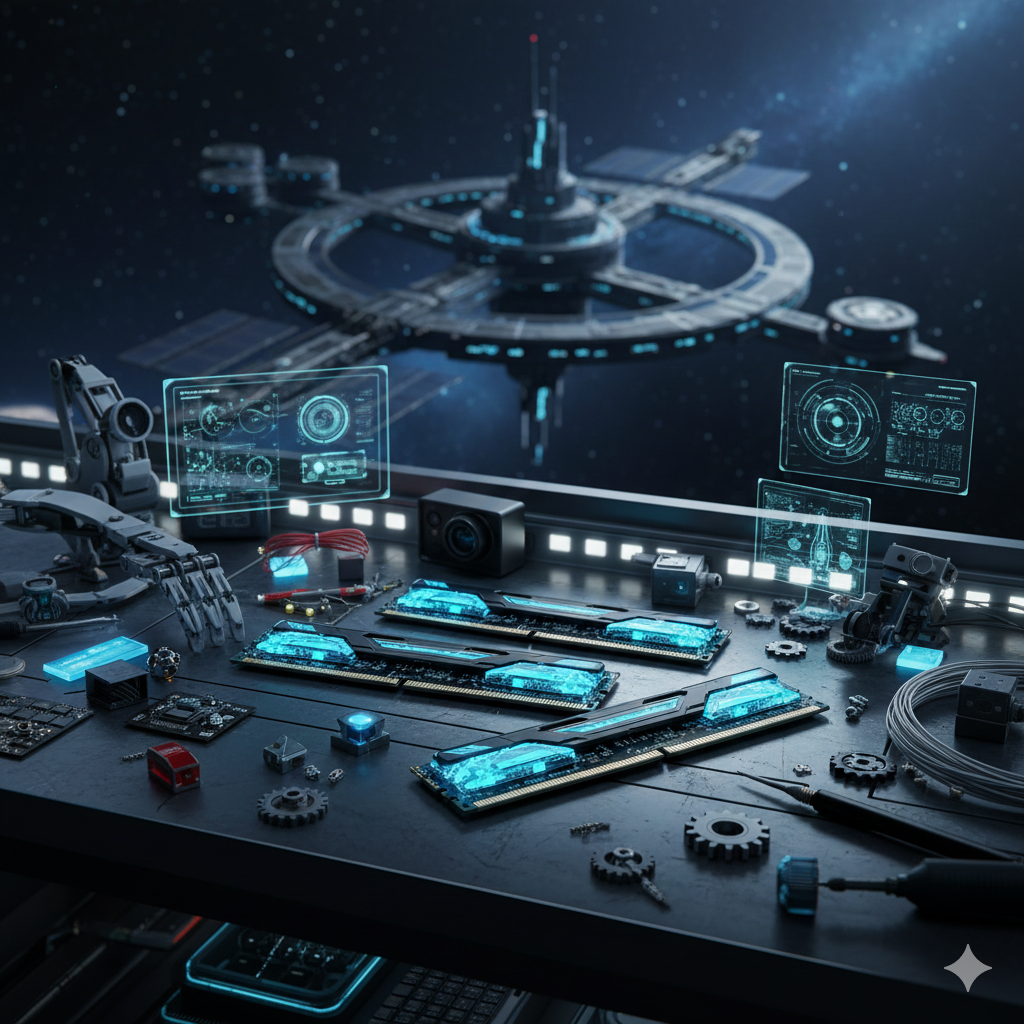
Memory - The work desk
RAM memory is like a desk where the computer keeps the information it's using at that moment.
1. What does the CPU do in a computer?
A. Executes program instructions.
B. Displays images on the screen.
C. Stores files long-term.
2. Which computer component is like a work desk?
A. The hard disk.
B. RAM memory.
C. The video card.
Mission 4: Block Programming
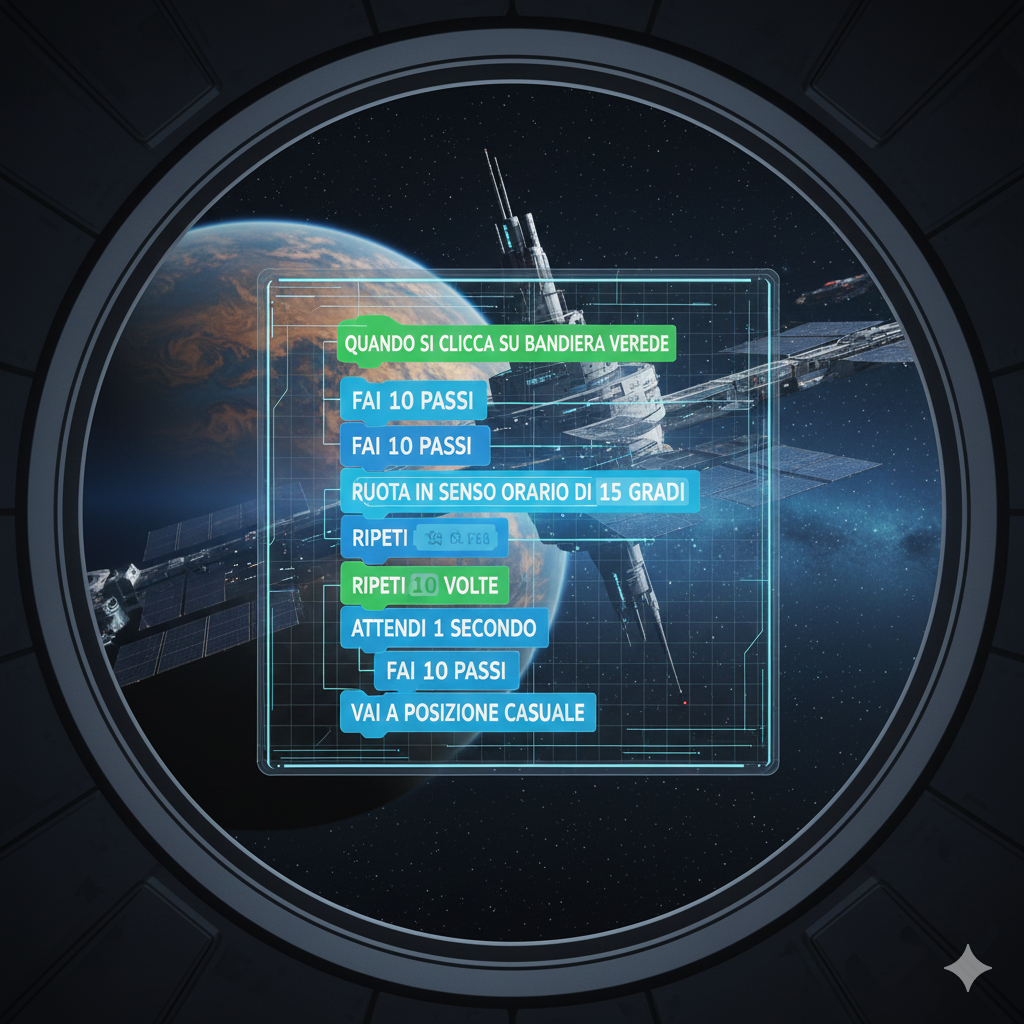
Block programming is a simple and visual way to learn programming.
Master Chiara says: "Blocks are like building bricks: each has a specific function and together they can create incredible things!"
Types of blocks:
Motion blocks
Motion blocks allow characters to move on the screen.
Control blocks
Control blocks determine when and how instructions are executed.
1. What is the advantage of block programming?
A. It's faster than text programming.
B. It's easier to understand for beginners.
C. It's more powerful than text programming.
2. What do control blocks do?
A. Change background color.
B. Add sounds to the project.
C. Determine when to execute instructions.
Mission 5: Conditional Instructions
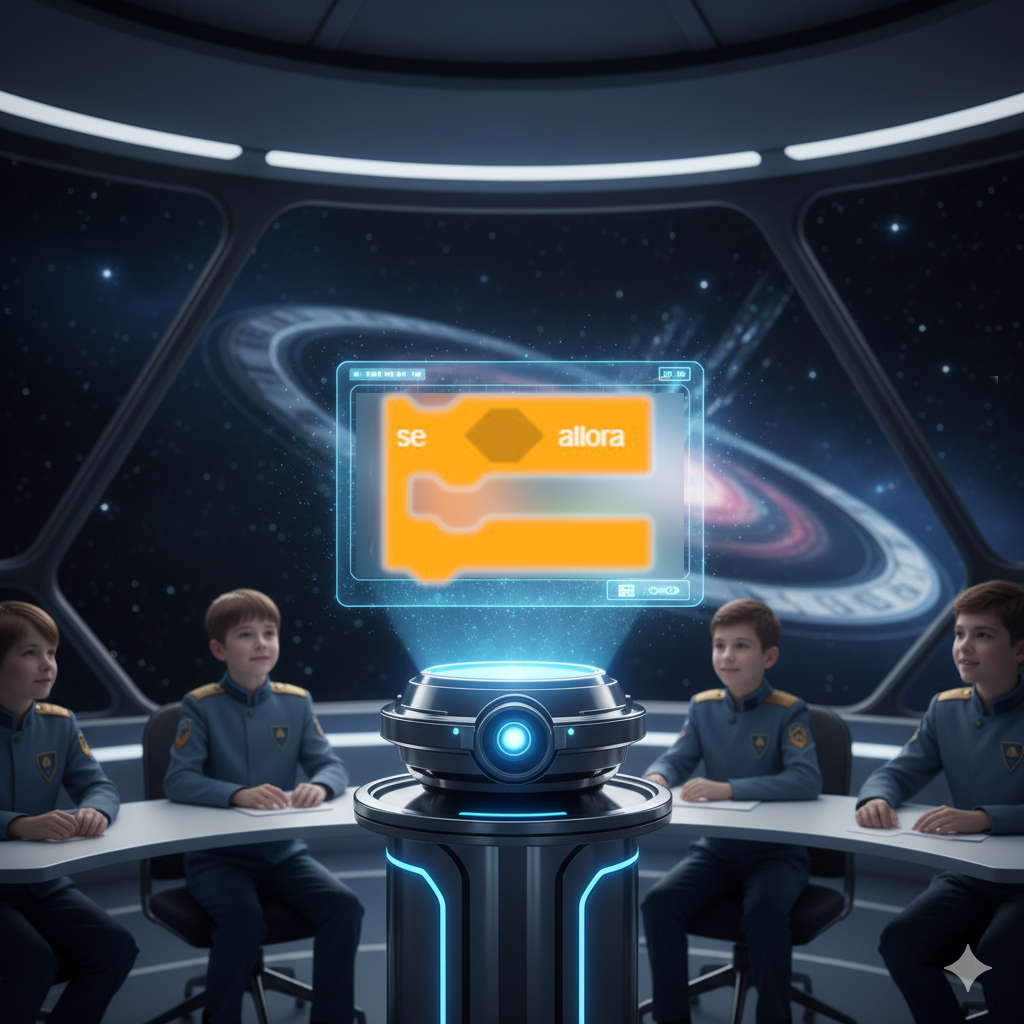
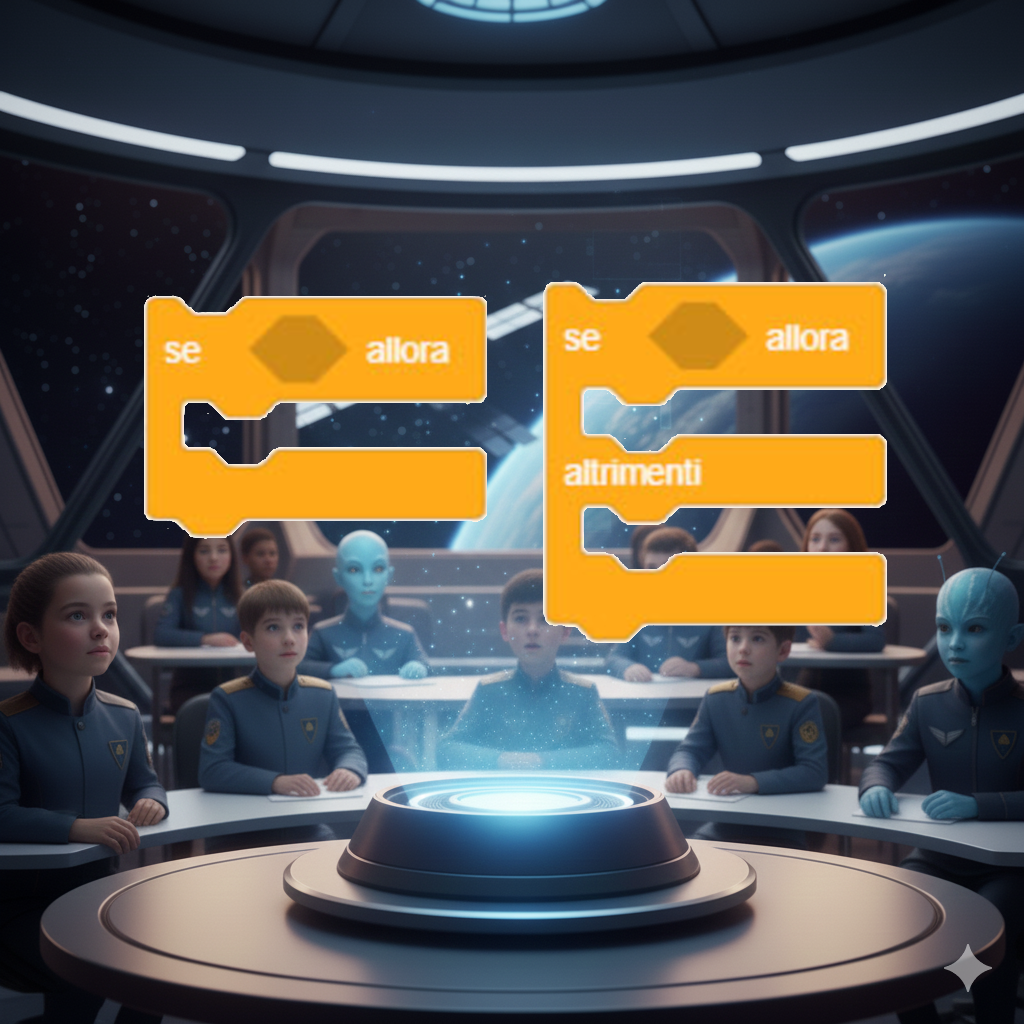
Conditional instructions allow the computer to make decisions based on certain conditions.
Master Luciano says: "Conditions are like forks in the road during exploration: depending on what you encounter, you decide which path to take!"
Examples of conditions:
If... then...
If it rains, then I take an umbrella. This is a simple condition we use every day!
If... then... otherwise...
If I'm hungry, then I eat, otherwise I keep playing. This condition has two possible outcomes.
1. What does a conditional instruction do?
A. Always performs the same actions.
B. Repeats an action many times.
C. Decides which action to execute based on a condition.
2. Which of these is an example of "if-then-otherwise" condition?
A. If it rains, I take an umbrella, otherwise I put on sunglasses.
B. If it rains, I take an umbrella.
C. I take an umbrella and put on sunglasses.
Mission 6: Loops and Repetitions
Loops allow you to repeat an action multiple times without having to rewrite it each time.
Master Chiara says: "Loops are like a spaceship engine: once started, they keep running until you stop them!"
Types of loops:
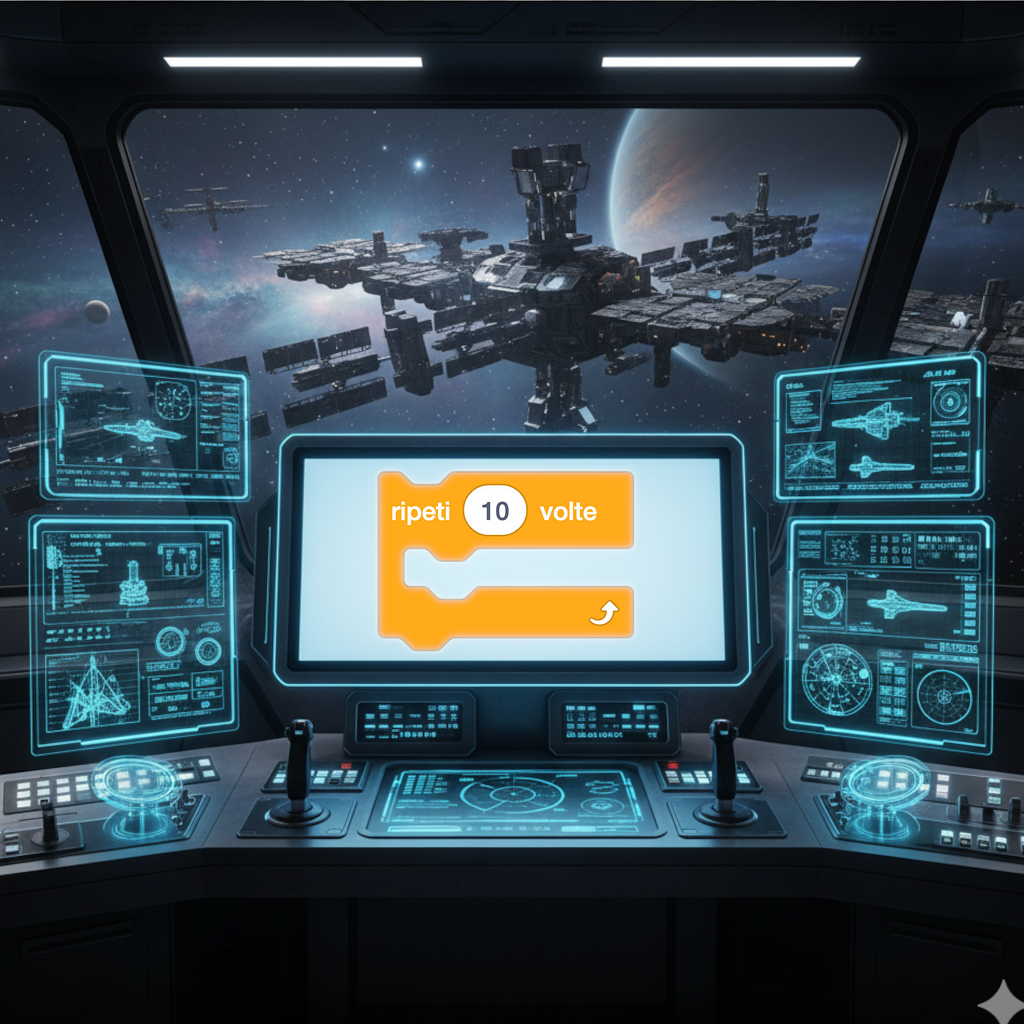
"Repeat for" loop
Repeat for 10 times: jump. This loop will execute the jump action exactly 10 times.
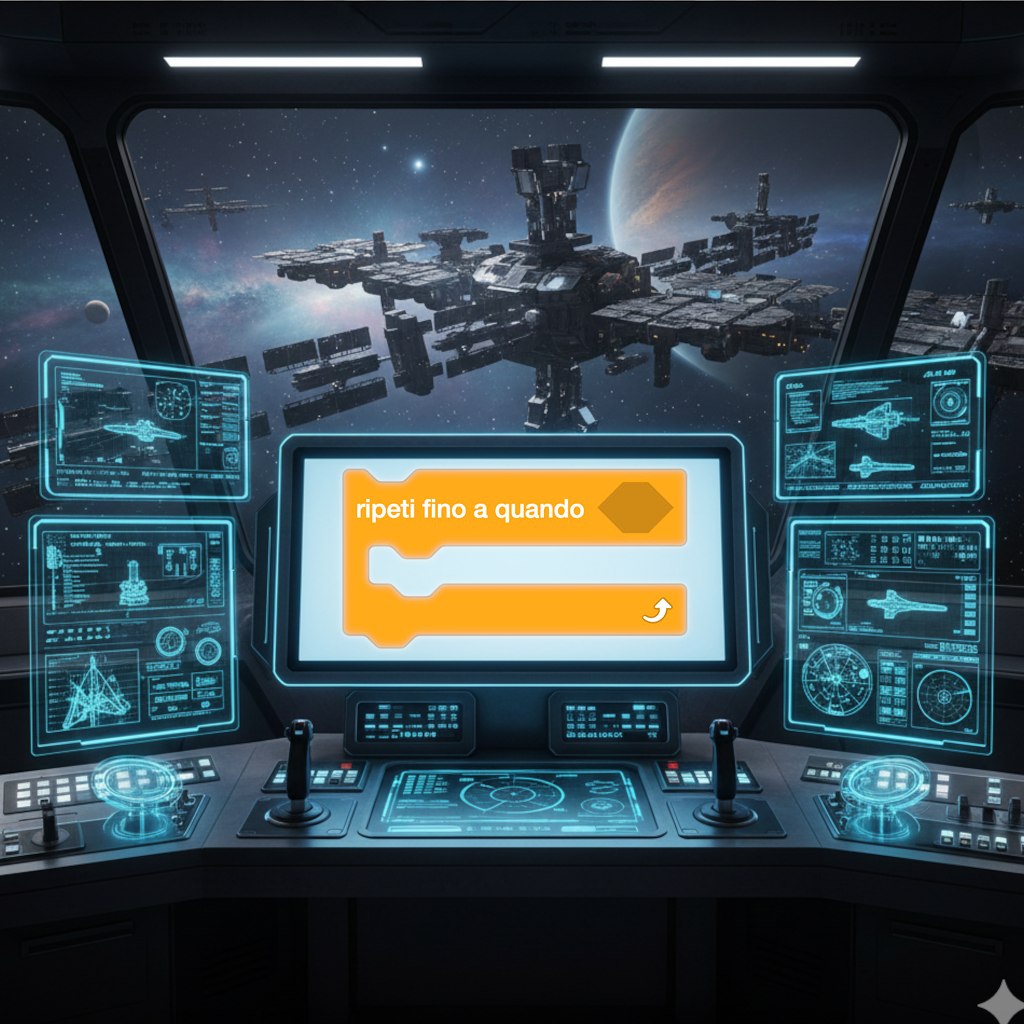
"Repeat until" loop
Repeat until homework is finished: study. This loop will continue until the condition is met.
1. Why do we use loops in programming?
A. To avoid repeating the same code many times.
B. Because they look nicer.
C. Because computers prefer them.
2. Which loop repeats a specific number of times?
A. Repeat for.
B. Repeat until.
C. Repeat always.
Final Mission: Your Coding Journey Continues!
Well done space cadet! You have successfully completed your basic coding training. But this is only the beginning of your journey!
Master Luciano says: "Now it's your turn! Like a true astronaut, you must take control of your spaceship and continue exploring the galaxies of programming. Curiosity will be your fuel!"
Your next destinations:
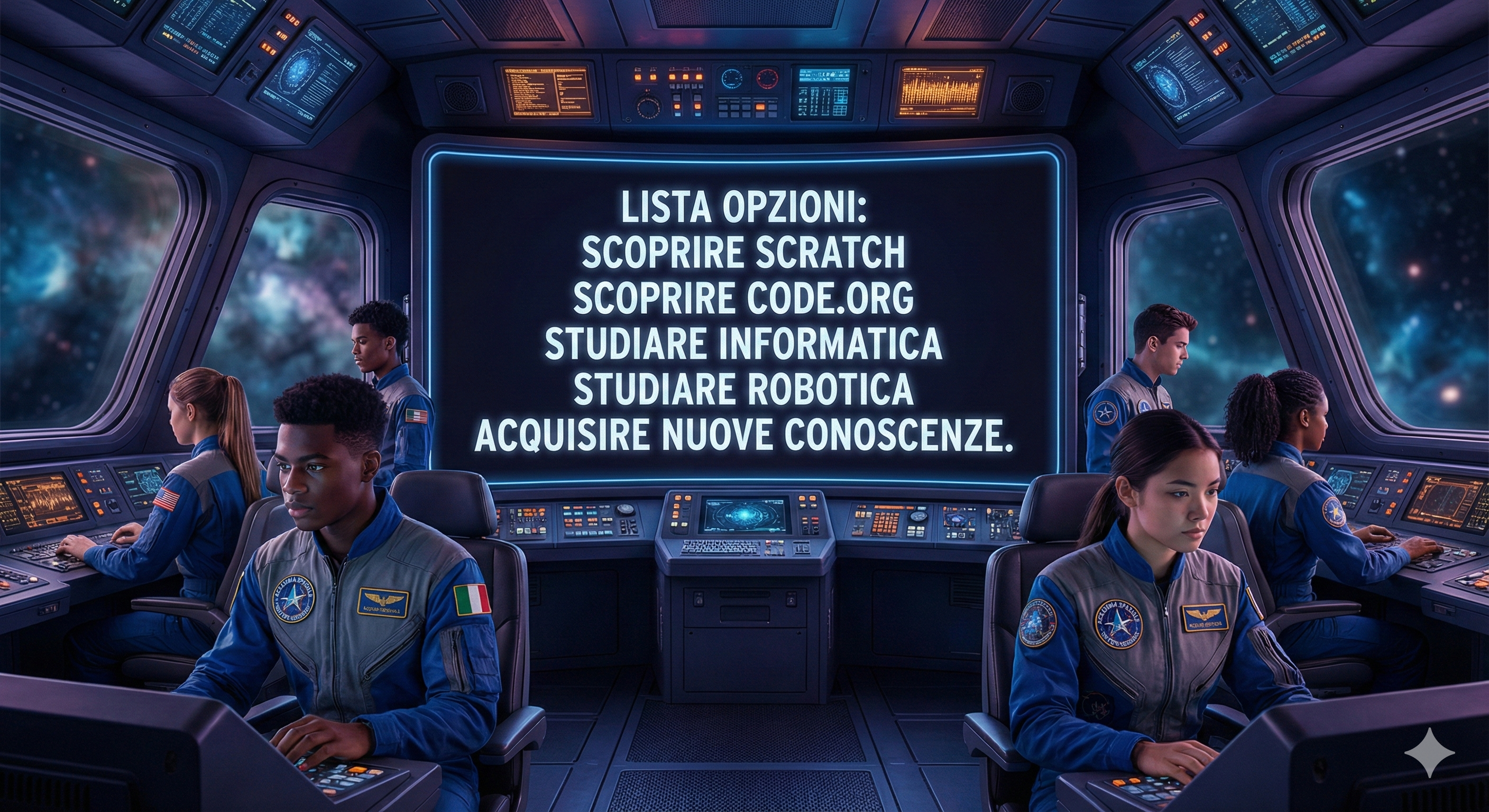
Scratch - The planet of creativity
Visit Scratch to create interactive stories, games, and animations with block programming. It's the perfect place to start your adventure!
Code.org - The learning star
Explore Code.org to discover free courses and activities that will guide you step by step into the world of coding.
The spirit of sharing: Many people around the world have worked to create free resources to help you learn. This is the spirit of open source and free software - sharing knowledge for everyone's benefit!
Navigating safely in the digital universe:
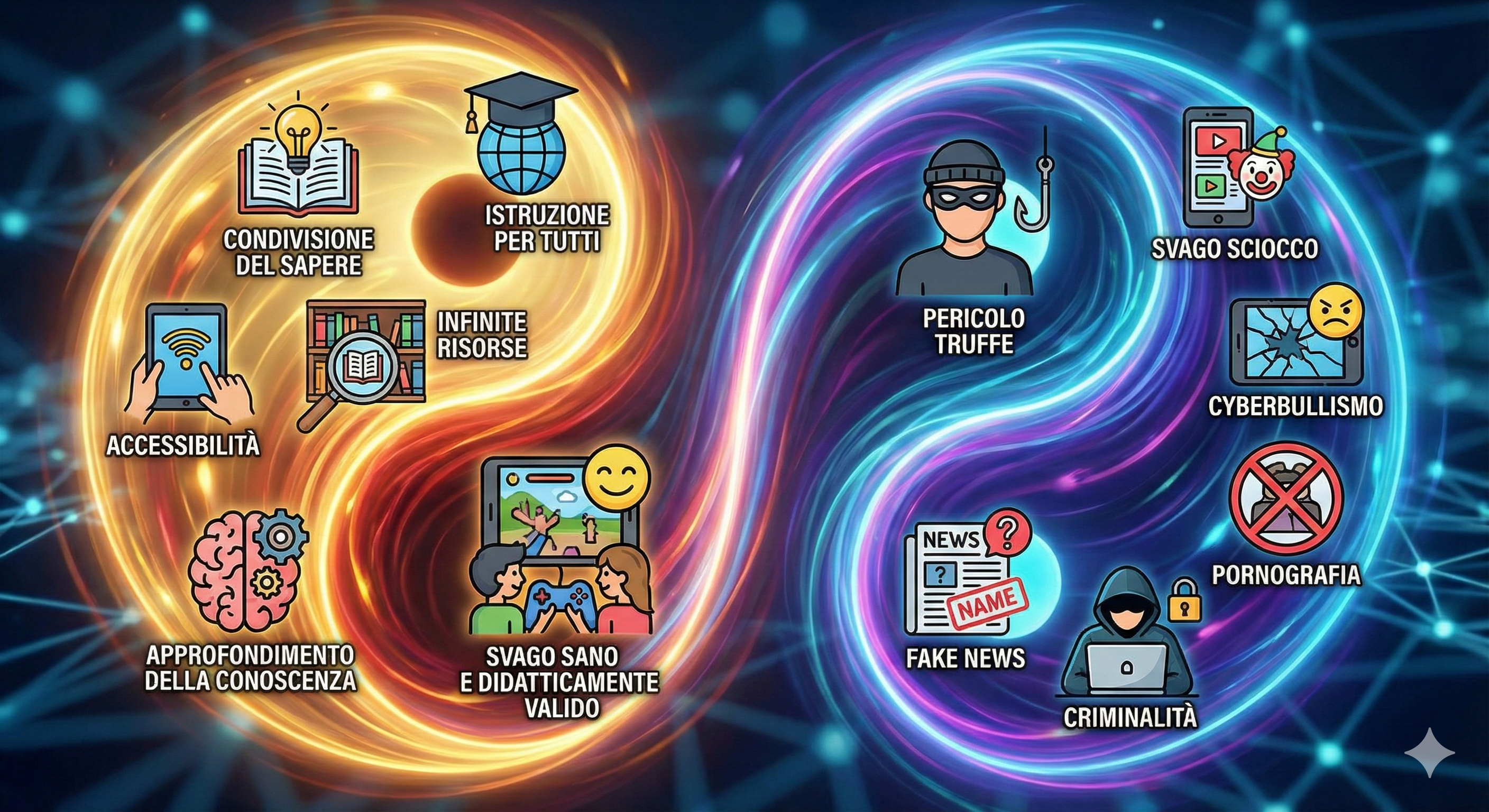
The two faces of the Internet
The Internet is like a universe with two faces: it can be a wonderful place to learn and grow, but also dangerous if not used wisely.
How to recognize a valid website:
✅ Look for official websites of educational institutions (schools, universities, museums)
✅ Check that the web address starts with "https://" (the "s" means secure)
✅ Verify that information is updated (look for publication date)
✅ Search for websites in your native language and in English to compare information
❌ Be wary of sites with too many advertisements or requests for personal data
Always remember: When browsing the Internet, always do it under the supervision of a trusted adult. Share your discoveries with them and ask for help when something doesn't convince you!
The ultimate algorithm for knowledge:
1
2
3
4
5
Be curious: ask questions about everything that interests you
Search for resources: use the Internet safely to find information
Experiment: try, make mistakes, learn, and try again
Share: tell others what you've discovered
Keep learning: the journey of knowledge never ends!
What is your next step in the coding journey?
A. I will explore Scratch and Code.org with the help of an adult!
B. I will continue to learn with curiosity and attention!
C. I will share what I've learned with my friends!
Note: In this mission, all answers are correct! The important thing is that you continue your learning journey.
×
Other Algorithm Examples
Here are other examples of algorithms we use every day:
Making a sandwich: Take bread, add cheese, vegetables, seasoning, and close.
Washing dishes: Fill the sink, add detergent, wash, rinse, dry.
Drawing a picture: Choose colors, draw outline, color, add details.
Master Chiara says: "Observe your daily actions: you'll discover that many of your behaviors follow precise algorithms!"
×
The History of Algorithms
The word "algorithm" comes from the name of the Persian mathematician Al-Khwarizmi, who lived in the 9th century. His books introduced Indian numbers (the ones we use today) and methods for solving equations.
Over the centuries, many mathematicians have contributed to the development of algorithms, but it was with the advent of computers that algorithms became fundamental to our daily lives.
Curiosity: The first computer algorithm was written by Ada Lovelace in 1843 for Charles Babbage's Analytical Engine, long before modern computers existed!
×
How a Compiler Works
A compiler is a special program that translates code written in a programming language (like Python or Java) into machine language, which the computer can understand and execute directly.
The compilation process happens in several stages:
Lexical analysis: the code is broken down into "tokens" (keywords, identifiers, etc.).
Syntactic analysis: verifies that tokens are organized correctly according to language rules.
Semantic analysis: verifies that the code has logical meaning.
Code generation: produces machine language code.
Master Luciano says: "Think of the compiler as a universal translator that translates your ideas into a language the computer can understand!"
×
Important Women in Technology
Besides Ada Lovelace and Grace Hopper, many other women have made fundamental contributions to computing and technology:
Hedy Lamarr: Actress and inventor, developed technology that is the basis of Wi-Fi and Bluetooth.
Radia Perlman: Known as "the mother of the Internet", invented the spanning-tree protocol.
Anita Borg: Founded the Institute for Women and Technology and the Grace Hopper Celebration.
Margaret Hamilton: Directed the software development for NASA's Apollo program.
Did you know? Women have been fundamental in the development of computing from its beginnings, and continue to make revolutionary discoveries in all fields of technology!